START WITHOUT AN ACCOUNT
Help & setup
Extraction status, sample files and browser workspace guidance.
Vision-language engine
SETUP NEEDEDHosted extraction uses OCR; local Ollama is unavailable.
Local model: qwen2.5vl:3b
ollama pull qwen2.5vl:3b
Text PDFs use direct extraction first. Local OCR supports images/scans; hosted OCR needs the private HTTPS OCR service.
Temporary browser workspace
No login or Supabase setup is required. Enable JavaScript and browser storage for uploads, review, versions and learning progress. Data is browser-local, not an account or cross-device backup.
Analyses expire after 24 hours; drafts and chat after one hour. Export analysis JSON to keep a copy. Clear data in Browser preferences when using a shared computer.
Fictional samples
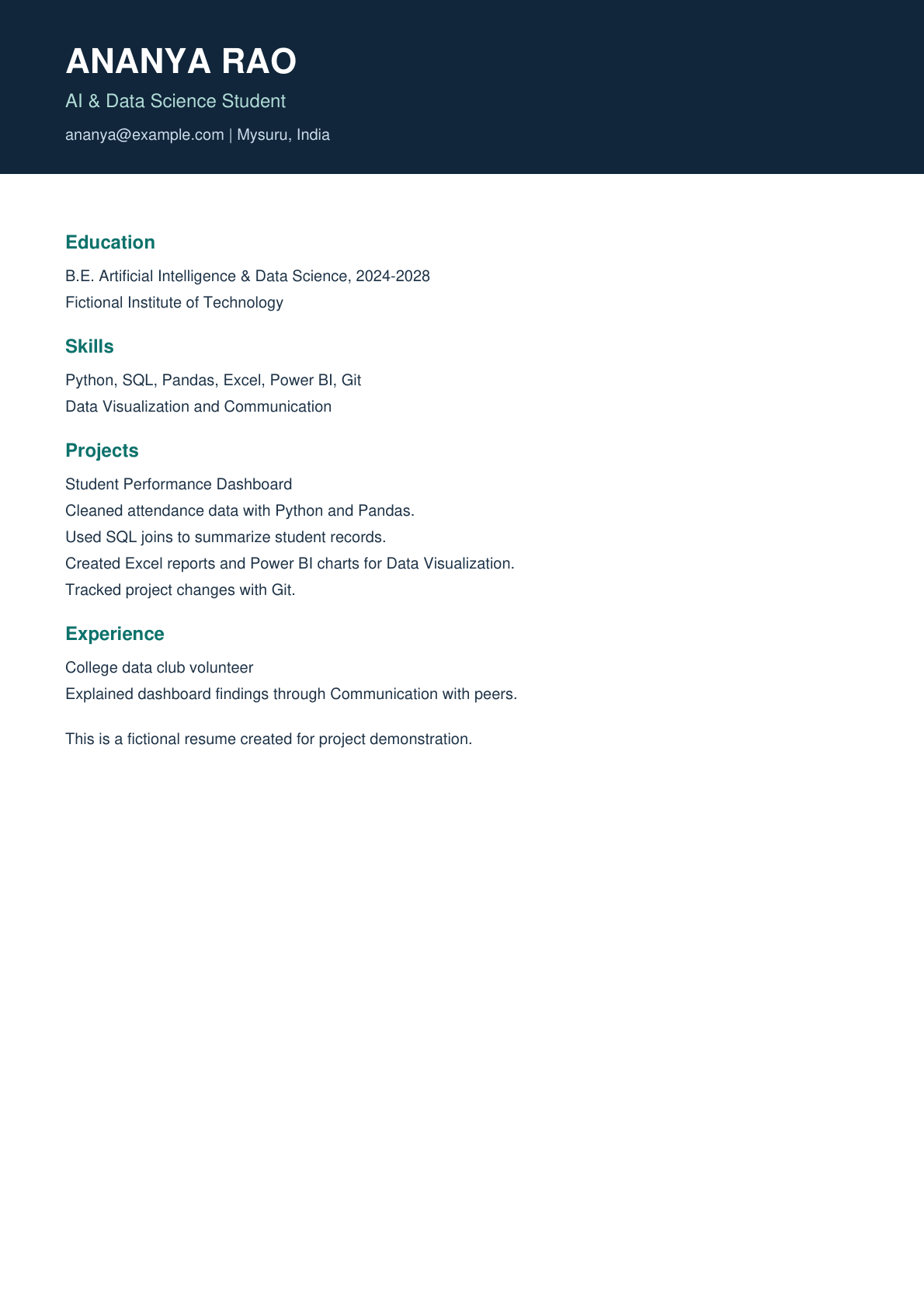
Quick walkthrough
- Analyze a sample or upload your resume.
- Review extracted text and select only supported skills.
- Inspect coverage scores and evidence sentences.
- Explore careers and follow a learning roadmap.
- Add a new resume version to compare progress.
- Export important results, then clear browser data when finished.